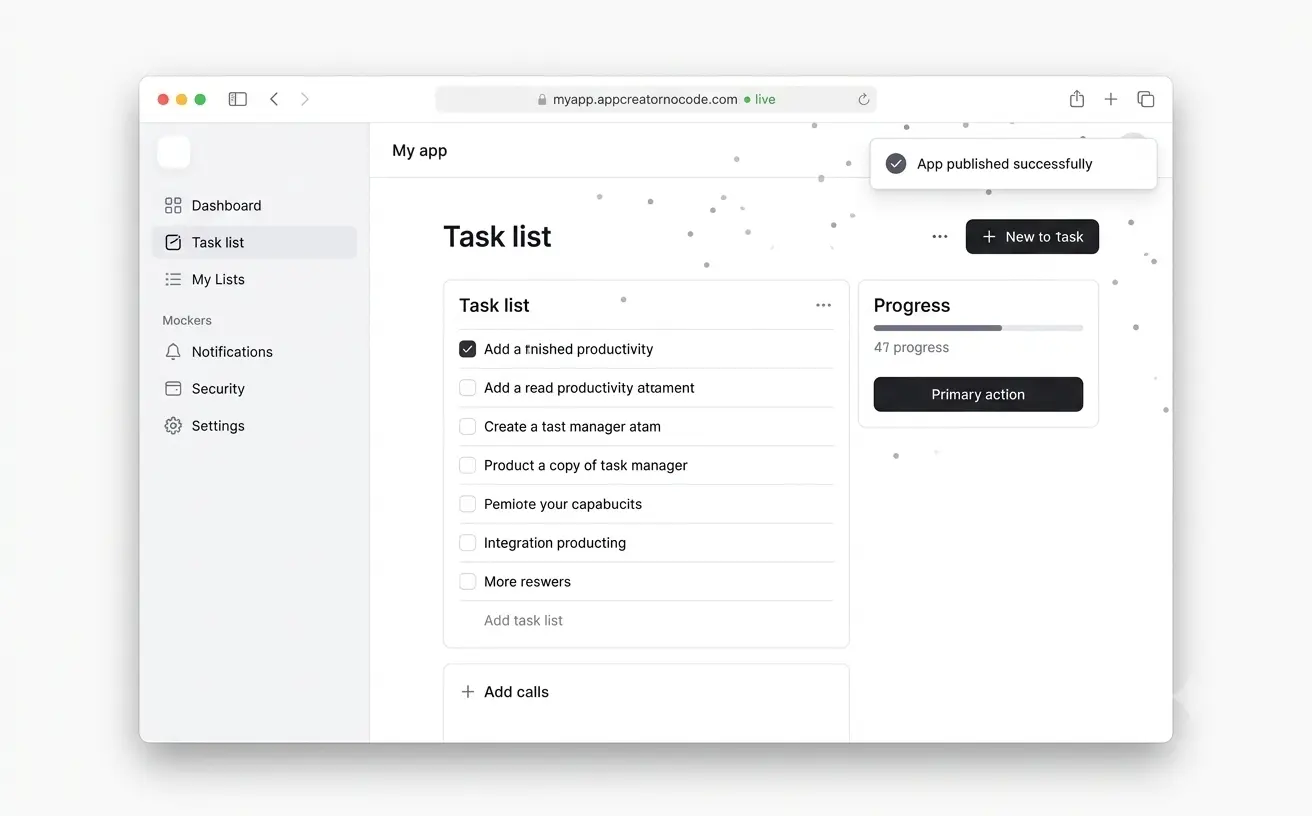
How to Build an App Without Code
Create a full-stack app in four simple steps. No coding, no design tools, no developer needed.
Building an app used to mean months of hiring, scoping, and syntax. With AppCreatorNoCode, the loop is describe → plan → preview → publish — usually in a single session for an MVP.
You never write code unless you want to. The AI handles structure, styling, data, and deployment while you stay focused on product decisions.
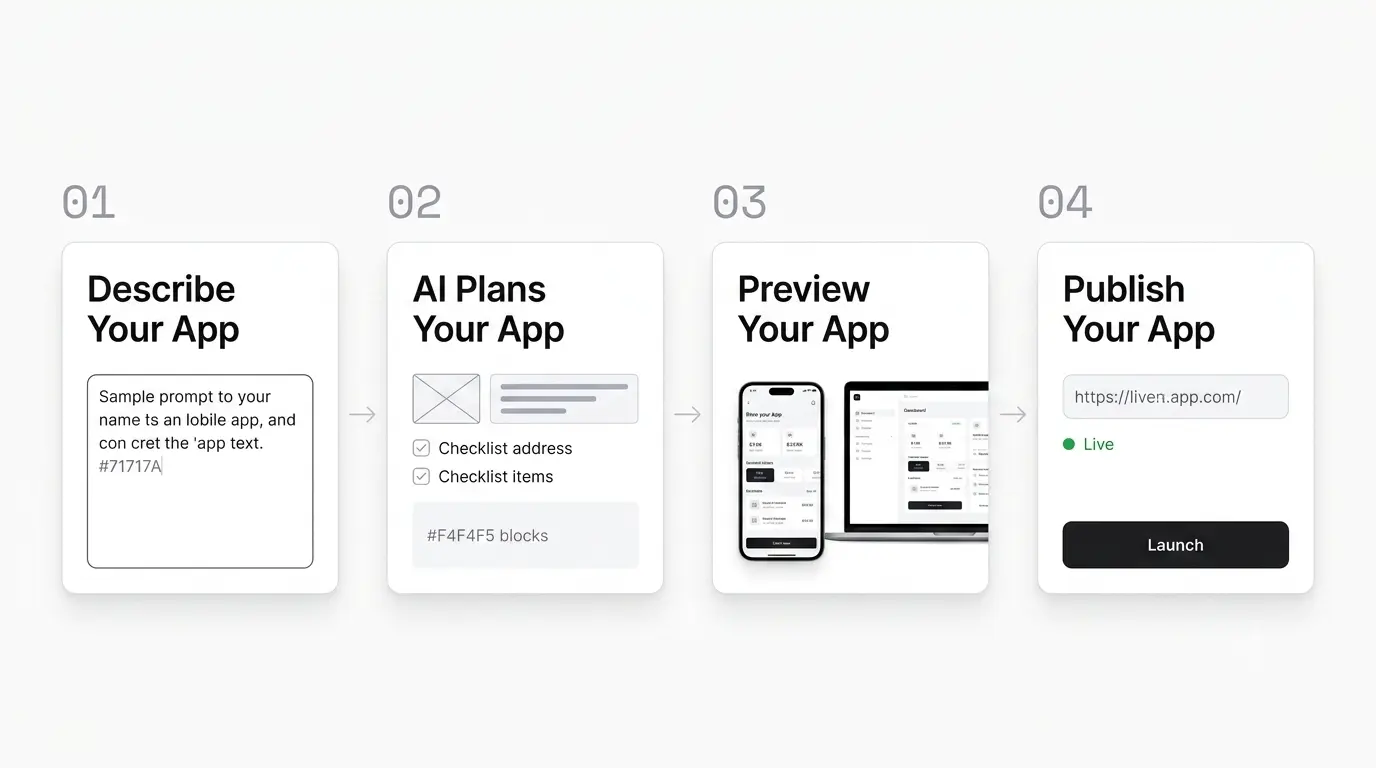
- 01
Describe Your App
Start with what the app should do, who uses it, and any screens you have in mind. You do not need wireframes or technical specs — "a booking app for a salon with stylists and a calendar" is enough to begin.
- ·Include user roles if you need them (admin vs customer)
- ·Mention must-have screens: login, dashboard, settings
- ·Refine later in chat — your first prompt does not have to be perfect
- 02
AI Plans Your App
The AI breaks your idea into pages, components, and data models. It chooses layout patterns, creates tables for your entities, and wires authentication if your app needs accounts.
- ·Schema and routes planned before code is written
- ·Consistent design system across all screens
- ·Plan mode available if you want to discuss before building
- 03
Preview Your App
The preview updates as code is generated. Try flows, note what is missing, and ask for changes in the same chat — "make the header sticky" or "add email validation on signup" — without redeploying manually.
- ·Live preview side-by-side with the builder
- ·Unlimited chat iterations on your project
- ·Visual edits on Pro for pixel-level tweaks
- 04
Publish Your App
When you are happy with the preview, publish to a public URL. Share it with users, add a custom domain on Pro, or export the codebase to GitHub and deploy anywhere you prefer.
- ·One-click publish to AppCreatorNoCode hosting
- ·Custom domain support on Pro
- ·Export to GitHub for self-hosting or CI/CD
Tips for better results
Small changes to how you prompt can dramatically improve your first build.
- ·Name your users and their goal in the first sentence
- ·Say "mobile-friendly" if most users will be on phones
- ·List 3–5 must-have screens instead of one vague paragraph
- ·Use follow-up messages to refine — treat it like a conversation with a developer
Build Your App Without Code, Free to Start
Describe your app idea. Watch our AI app builder bring it to life. Publish it today with no code, no credit card.
Create My App Free